AI Pathfinder Character Portrait Generator
Create stunning character portraits for your Pathfinder 2e campaign. Upload references, store multiple looks, and generate art that stays consistent from session one to the final boss.
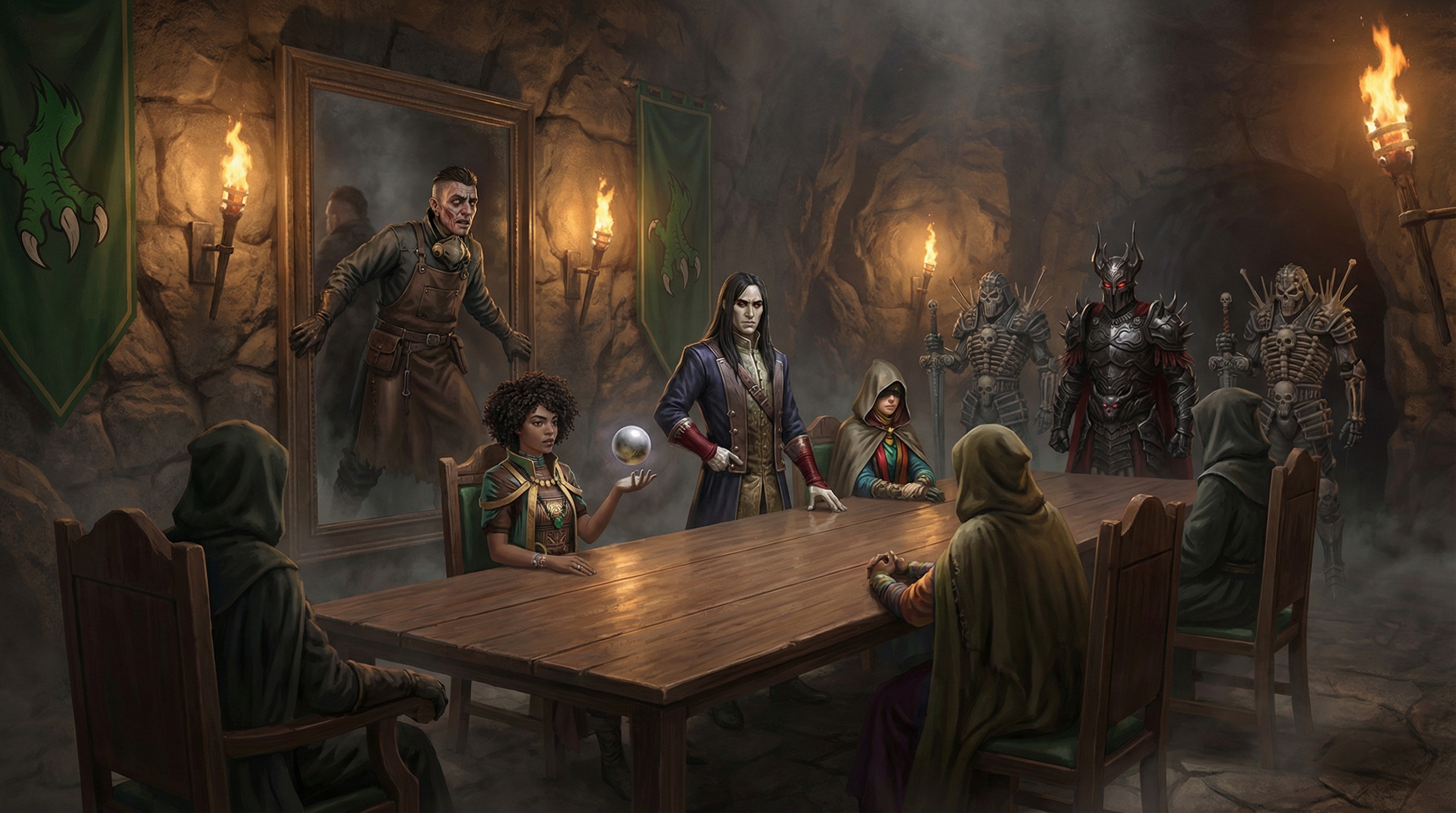
Pathfinder 2e has some of the most creative character options in tabletop gaming. A tengu swashbuckler dual-wielding fighting fans. A sprite magus riding a corgi familiar. A fleshwarp inventor with a construct companion made from salvaged clockwork. The problem is that most AI art tools have no idea what any of that means. You end up spending half your prompt explaining what a tengu is and the other half explaining why your character doesn't look like a generic elf. RPG Sage Art fixes this by combining persistent reference images with campaign-aware context, so your Pathfinder characters look right every time.
The platform is actively used to illustrate a Season of Ghosts campaign — Paizo's horror adventure path set in Tian Xia. Every session generates new art: characters exploring haunted villages, encountering yokai spirits, and navigating the politics of Willowshore. Because RPG Sage stores your character references and campaign lore, the AI knows that your party is in a Japanese-inspired setting with paper lanterns and torii gates, not a European castle. That context makes a massive difference in output quality. You describe a scene and the art actually looks like it belongs in your campaign.
Each character in your campaign gets a full reference library. Upload a portrait you like, add a text description of their ancestry features, armor, weapons, and personality, and RPG Sage sends all of it to the image model every time that character appears. You can store multiple descriptions — one for their everyday look, one for combat, one for a formal event — and switch between them per scene. When you generate a group scene with three characters, all their references are included automatically. No more re-describing your oracle's heterochromatic eyes in every single prompt.
After generation, Craig — the platform's AI art director — reviews every piece. He tags images by character and scene, rates quality, and flags issues like incorrect weapon types or missing ancestry features. He's opinionated, occasionally sarcastic, and genuinely useful. If your nagaji bard is suddenly missing their scales, Craig will catch it. You can also edit images directly: fix a detail, change the background, or regenerate with different lighting. The entire workflow is designed for campaigns that run for months, not one-shot throwaway images.
Built for Pathfinder 2e
Understands PF2e ancestry options, class features, and gear for ART. Craig researches PF2e entities on Archives of Nethys directly. (Heads up: character sheets and rules automation are D&D 5e SRD — PF2e campaigns get art, maps, tokens, lore, and journals.) PF2e tables get the full virtual tabletop too — generated battlemaps, tokens, fog of war, and live sessions from one link; only the automated sheets are 5e.
Persistent Character References
Upload reference art or photos. Every portrait uses your references so your champion of Sarenrae looks the same in session 1 and session 40.
Adventure Path Ready
Organize art by session. Currently used to illustrate a real Season of Ghosts campaign — from Willowshore to the Spirit Realm.
Multiple Descriptions Per Character
Store different appearances — festival clothes, combat gear, spirit-touched form. Swap descriptions per scene without losing your baseline look.
AI Art Director
Craig, an AI reviewer, tags and critiques every portrait. He knows the difference between a katana and a wakizashi, and he will let you know.
Campaign Context Awareness
Your campaign lore, NPCs, and world details feed into every generation. Art for a Tian Xia campaign looks like Tian Xia, not generic fantasy.
Example Art
Ready to bring your campaign to the table?
Battlemaps with fog of war, live sessions, character sheets, art, and illustrated journals — free to start, no credit card required. Art, maps, tokens, and journals work with any TTRPG; sheets and rules automation are D&D 5e SRD.