
D&D Session Journal — AI Illustrated Campaign Notes
Paste your session notes or record audio. RPG Sage Art extracts characters and scenes, generates illustrations for key moments, and creates a shareable journal your whole party can read.
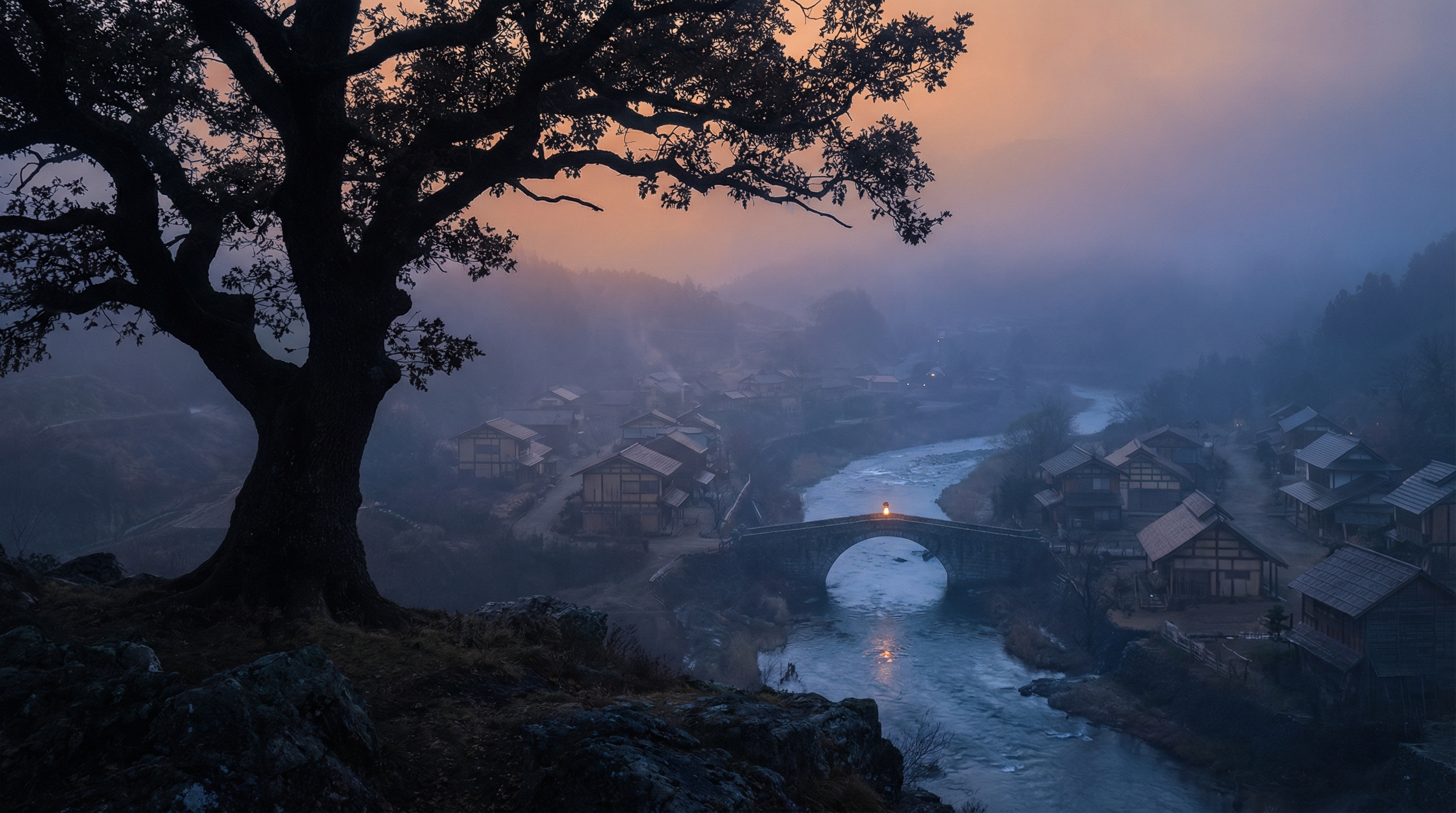
You just finished a four-hour session. The party infiltrated a noble's manor, fought a shapeshifter posing as the butler, and accidentally set the library on fire. It was incredible. By next week, half the table has forgotten the butler's name and the other half thinks the fire was in the kitchen. Session journals solve this, but writing them is a chore — and illustrating them is even harder. RPG Sage Art automates the entire pipeline: you provide the raw session notes, and the platform produces an illustrated journal with character-consistent art for every key scene.
The workflow starts with input. Paste your session notes, a voice memo transcript, or a rambling in-character recap. If you recorded your session, upload the audio directly and RPG Sage transcribes it using AssemblyAI. From there, the AI extracts every character, NPC, and creature mentioned in the text. You review the list, confirm who's who, and link them to existing references in your campaign library. New entities get created automatically with the details pulled from your notes.
Next comes scene extraction. The AI reads your journal and identifies 8 to 12 key moments worth illustrating — the tense negotiation with the crime lord, the ambush in the sewer, the quiet campfire conversation. Each scene gets a description optimized for image generation. When you hit generate, RPG Sage Art sends each scene to the art engine along with every relevant character reference, your campaign context, and your world lore. The result is a set of illustrations that look like they belong to your specific campaign, not stock fantasy art.
Once you have reviewed and approved the art, generate a share link. Your party gets a beautiful journal page with the session summary, scene descriptions, and approved illustrations — no account needed. Over time, you build a complete visual record of your campaign. Session 1 through session 50, each with its own journal, art, and character appearances tracked automatically. It turns the ephemeral experience of a tabletop session into something permanent your group can look back on for years.
The journal is the last step of a loop that starts at the table. RPG Sage Art is a full virtual tabletop — fog-of-war battlemaps, tokens, 5e sheets with a working spell engine, dice, and per-map music, with one share link for your players — so the session you just played is already on the platform when it's time to remember it. Prep the encounter, play it live, record it, and publish the illustrated journal: one tool for the whole life of a session.
Text or Audio Input
Paste session notes, a recap, or an in-character journal. Or record your session audio directly — RPG Sage Art transcribes it automatically.
Automatic Entity Extraction
The AI identifies every character, NPC, and creature mentioned in your notes. Confirm the list, and they are added to your campaign reference library.
Scene Extraction & Art Generation
Key moments are pulled from your notes — 8 to 12 scenes per session. Each scene gets its own AI-generated illustration using your character references.
In-Character & Recap Summaries
Generate two summary styles: an in-character journal written from your PC's perspective, and a neutral session recap for the whole group.
Player-Written Journals
A player kept their own journal? Paste it in verbatim. It's typeset, credited to its author, published alongside the recap, and illustrated with the session's art.
Shareable Journal Pages
Generate a share link for each session. Your party sees the journal text, approved art, and scene descriptions — no login required.
Session-by-Session Organization
Every journal entry is tied to a session number. Browse your campaign's full history with art, summaries, and entity tracking.
Example Art
Ready to bring your campaign to the table?
Battlemaps with fog of war, live sessions, character sheets, art, and illustrated journals — free to start, no credit card required. Art, maps, tokens, and journals work with any TTRPG; sheets and rules automation are D&D 5e SRD.